Want to grow your Instagram profile? Get more Instagram followers!
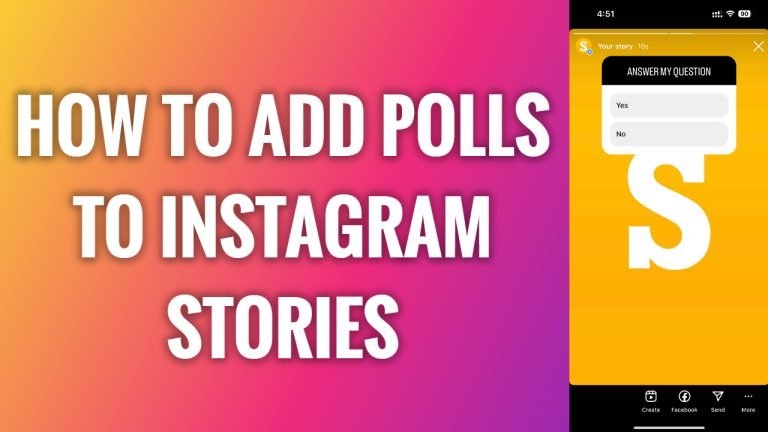
In this article I am going to show you how to add polls to Instagram stories.
Polls are a great feature to increase user engagement. If you see that your user engagement rate has dropped, just create a poll and ask your audience to vote.
In general users are really willing to participate in polls, as it doesn’t cost them anything.
- Open up Instagram app on your mobile phone.
- Tap on the plus icon at the top right corner of your screen.
- From this menu select “Story”.
- Now select the picture which you would like to upload to your story.
- Tap on stickers icon at the top.
- Click on “Poll” sticker.
- Now type in your question.
- And add your answers.
- After that just tap on “Done”.
- Proceed by publishing your story. That’s it.
I hope this guide was helpful and you were able to add poll to your Instagram stories.
Want to grow your Instagram profile? Get more Instagram followers!
