Want to grow your Instagram profile? Get more Instagram followers!
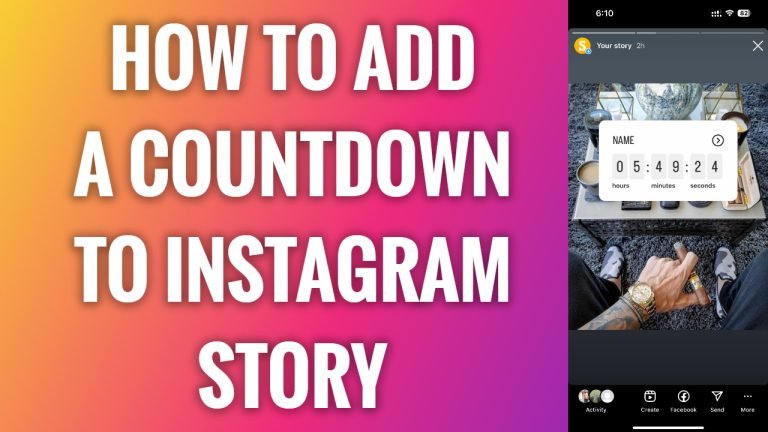
In this article I am going to show you how to add countdown to Instagram story.
If you are waiting for some important date and want to inform your audience about it, then you should simply add a countdown sticker to your Instagram story.
For example, if you are running a giveaway that lasts only 24 hours, just add this countdown sticker which lasts for 24 hours.
- Open Instagram app and login to your Instagram profile.
- Tap on the “Plus” icon at the top right corner.
- Select “Story”.
- Now take a new picture or just upload the one from your gallery.
- Tap on sticker icon at the top of your screen.
- Click on “Countdown” sticker.
- Type in the name for your countdown sticker and set the end date and time.
- Continue by publishing your Instagram story. That’s it!
I hope this guide was helpful and you were able to add a countdown to your Instagram story.
Want to grow your Instagram profile? Get more Instagram followers!
