Want to grow your Instagram profile? Get more Instagram followers!
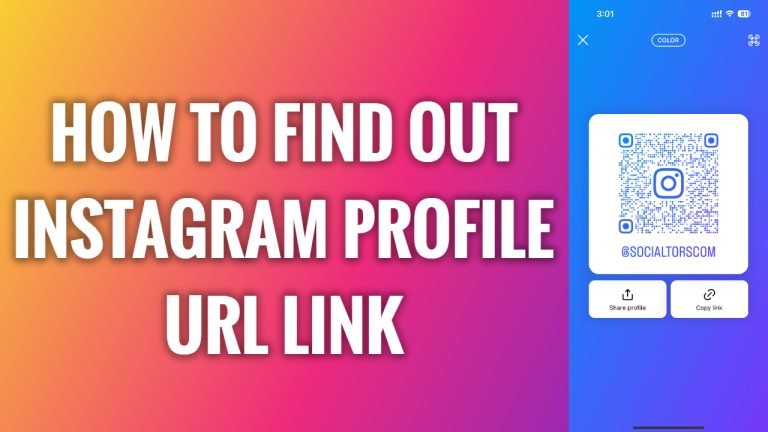
In this article I will show you how to find out your Instagram profile URL.
If you want to share your Instagram profile with your friend then you will need to find out your Instagram profile URL link.
Basically, your Instagram “Username” is always included in your Instagram URL. For example, our Instagram username is “socialtorscom”, so our Instagram profile URL (link) is Instagram.com/socialtorscom.This principle applies to all the profiles on Instagram.
However, if you are unsure whether you got a correct Instagram profile URL, you can check it just by following these steps.
- Open Instagram app on your phone.
- Tap on “Share profile” button.
- Now tap on “Share profile” and select “Copy”.
- Now just open up any internet browser and paste the link – this is your Instagram profile URL link.
I hope this guide was helpful and you were able to find out Instagram profile URL link.
Want to grow your Instagram profile? Get more Instagram followers!
