Want to grow your Instagram profile? Get more Instagram followers!
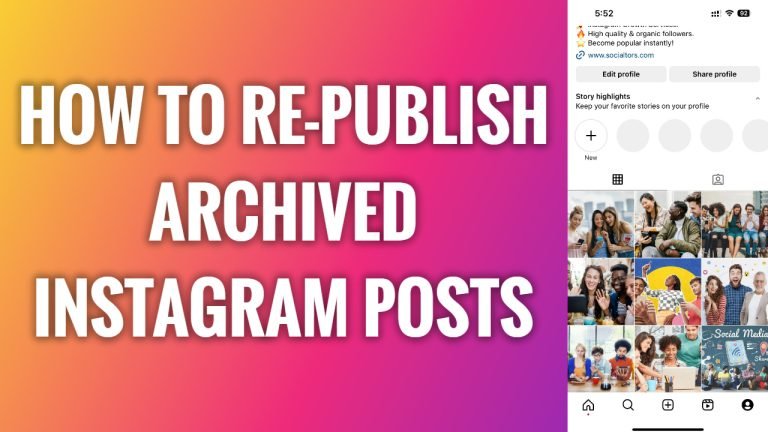
In this article I will show you how to re-publish archived Instagram posts.
Archiving is a great feature to use because it allows you to hide your posts from public, however, you can re-publish archived posts anytime if you change your mind.
What’s good is that it will be republished with all the likes and comments it initially received.
Just follow these steps:
- Open Instagram app and login to your profile.
- Tap on the menu icon at the top right of your screen.
- Now from this menu select “Archive”.
- Now at the top select “Posts archive” to view your archived posts.
- Tap on the post you would like to re-publish.
- Click on “Three dot” icon at the top right.
- Select “Show on profile” and this post will be re-published on your Instagram feed.
I hope that this guide was helpful and you were able to re-publish archived Instagram posts.
Want to grow your Instagram profile? Get more Instagram followers!
