Want to grow your Instagram profile? Get more Instagram followers!
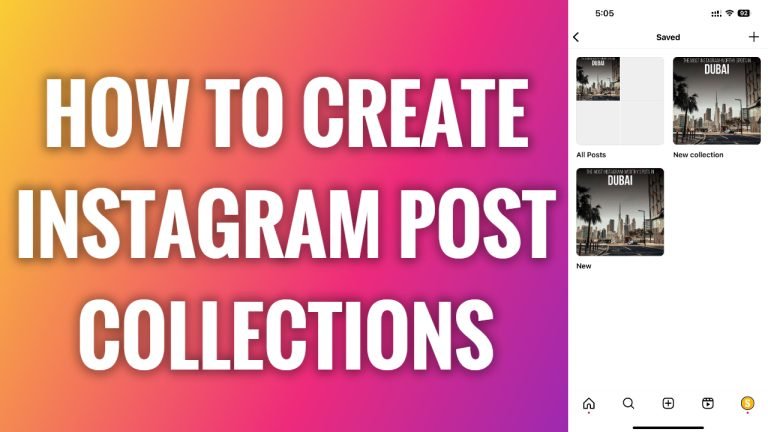
In this article I will show you how to create Instagram post collections.
Instagram collections feature allows users to save posts into separate folders. If you are one of those people who likes to save Instagram posts, then Instagram collections should be an especially convenient way to store various pictures for you.
And don’t worry, your saved post collections are private, so they will be accessible only for you.
Just follow these steps:
- Open up Instagram app on your phone and login to your profile.
- Tap on the menu icon at the top right corner.
- Now select “Saved” from this menu.
- Tap on the “Plus” icon at the top right corner of your screen.
- Enter the name for your new collection and tap on “Done” at the top right.
- Now you will be able to choose posts that you can add into your collection. So, just mark any saved posts you would like to insert into your collection and finish by clicking on “Done”. That’s it.
I hope this guide was helpful and you were able to create Instagram post collections.
Want to grow your Instagram profile? Get more Instagram followers!
