Want to grow your Facebook profile? Get more Facebook followers!
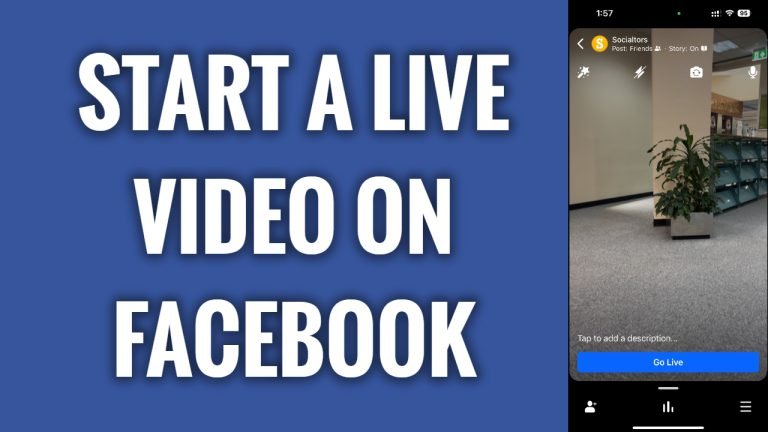
In this article I will show you how to start a live video on Facebook app.
Live Facebook videos usually are more interesting compared to standard videos, simply because they are broadcasted live. Live videos are a great way to increase engagement on your profile and get more followers.
Just follow these steps:
- Open up Facebook app on your phone and login to your Facebook profile.
- Proceed to your profile and under “What’s on your mind” tap on “Live” button.
- Now just tap on “Go live” button and you will start a live video on Facebook. That’s it.
After you are done streaming your live video you will also be able to share it as a post on your feed.
I hope this guide was helpful and you were able to start a live video on Facebook.
Want to grow your Facebook profile? Get more Facebook followers!
