Want to grow your Instagram profile? Get more Instagram followers!
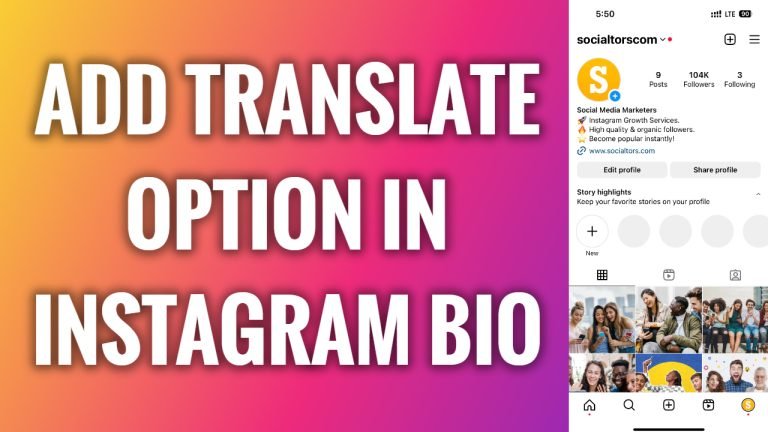
In this article I will show you how to add translate option in Instagram bio.
If you open up Instagram profile which has his bio section written in English, then you will not see a “See translation” option because you have set your Instagram app to be display everything in English.
As you can see if I go to other Instagram profile and profile’s bio is written in another language, then I will see a “See translation” option underneath and once I click on it the bio will be translated to English language.
This is happening because my Instagram app is set to be displayed in English language, and this profile’s bio is written in different language.
Basically, what I am trying to say is that “See translation” option on Instagram is automatic and you cannot change it or choose to display it or not. It happens automatically.
For example, if your bio section is written in English and some user from Italy comes to your profile, then he will see a “See translation” option and will be able to view it in Italian language.
So, you cannot turn this feature on or off, because users who need translation of your bio, will see a “See translation” option automatically, so you don’t need to worry about it. That’s all you need to know about “See translation” feature on Instagram.
I hope this guide was helpful and you were able to add translate option in Instagram bio.
Want to grow your Instagram profile? Get more Instagram followers!
