Want to grow your Facebook profile? Get more Facebook followers!
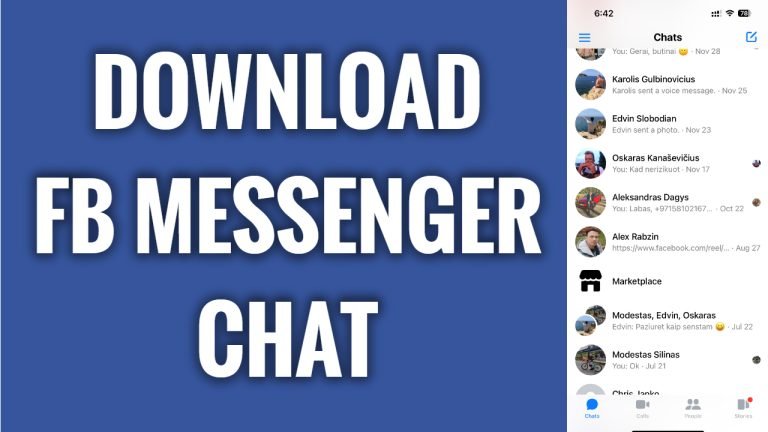
In this article I will show you how to download Facebook messenger chat conversation.
If for some reason you would like to download your Facebook messenger chat conversation with your friend, then just follow these steps and you will be able to do so:
- Open up Facebook Messenger app and login to your profile.
- Tap on the “Gear” icon at the top right.
- Scroll down and tap on “See more in Accounts center”.
- Tap on “Your information and permissions”.
- Select “Download your information”.
- Tap on “Request a download” button.
- Select your profile and tap on “Next.
- Tap on “Select types of information”.
- Tap on “See more” below.
- Select “Messages” and tap on “Next” button.
- Tap on “Submit request” button. Once this file is ready for download you will receive an e-mail notification with a download link. That’s it!
I hope this guide was helpful and you were able to download Facebook Messenger chat conversation.
Want to grow your Facebook profile? Get more Facebook followers!
