Want to grow your Facebook profile? Get more Facebook followers!
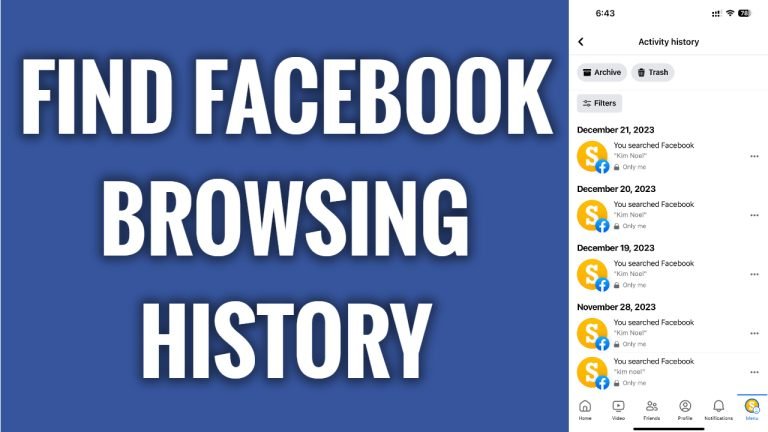
In this article I will show you where to find your browsing history on Facebook App.
Did you know that Facebook is collecting a lot of your browsing information in its storage? You can find all of your browsing history on Facebook App in a matter of seconds.
Just follow these steps:
- Open up Facebook app and login to your Facebook profile.
- Click on the menu icon at the bottom right of your screen.
- Tap on the “Gear” icon at the top right corner.
- Scroll down and tap on “Activity log”.
- Here you will see all of your activity on Facebook. If you would like to narrow down your activity log and view only specific activity, then you can click on any filter category at the top and for example select “Search history” to view only your search history. That’s how it’s done!
I hope this guide was helpful and you were able to find your browsing history on Facebook app.
Want to grow your Facebook profile? Get more Facebook followers!
