Want to grow your Facebook profile? Get more Facebook followers!
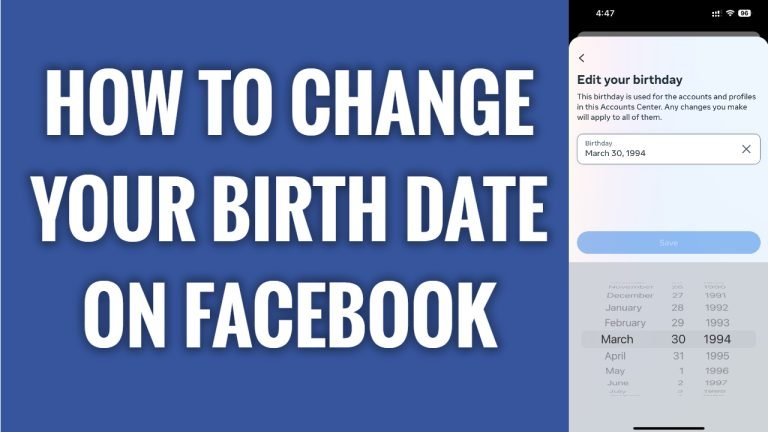
In this article I will show you how to change your birth date on your Facebook profile.
Did you type in a random birth date when registering your Facebook profile? Luckily, you can easily change your birthday date.
Just follow these steps:
- Open up Facebook app and login to your Facebook profile.
- Proceed to your Facebook profile page and tap on the “Pencil” icon at the top right corner.
- Scroll down and tap on “Edit your about info”.
- Now here under the “Basic info” you will see your birthday date. Just tap on “Edit” next to it.
- Now tap on “Edit in accounts center” under the Birthday section.
- Here you will be able to change you birth date. Just tap on “Save” after you are done changing it. That’s it.
I hope this guide was helpful and you were able to change your birth date on your Facebook profile.
Want to grow your Facebook profile? Get more Facebook followers!
