Want to grow your Facebook profile? Get more Facebook followers!
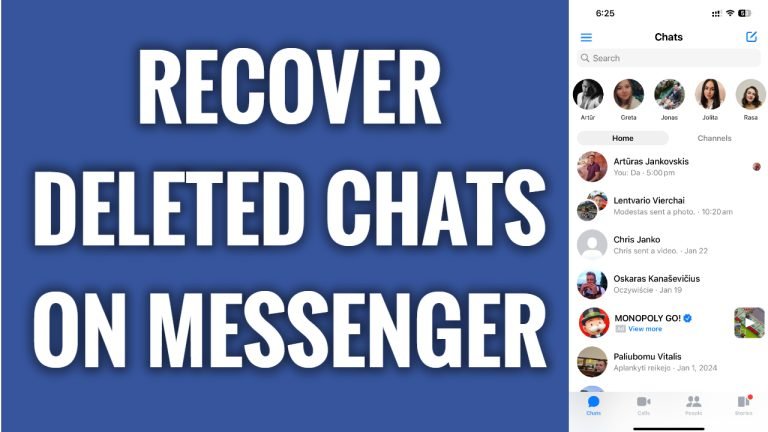
In this article I will show you how to recover deleted messages on Facebook Messenger.
Have you accidentally deleted an important message conversation on Messenger and want to recover it? Luckily, you can easily recover such messages.
Just follow these steps:
- Open Facebook Messenger app and login to your account.
- Tap on the menu icon at the top left corner.
- Now tap on the “Gear” icon at the top right corner of your screen.
- Scroll down and tap on “See more in Accounts center”.
- Tap on “Your information and permissions”.
- Proceed to “Download your information”.
- Select “Download or transfer information”.
- Select your profile if you have multiple Messenger profiles.
- Tap on “Next” button below.
- Now select “Specific types of information” as you only want to download your messages.
- Now here under “Your Facebook activity” category just select “Messages”.
- Tap on “Next” button below.
- Select whether you want to download it to your mobile phone or transfer to Google drive. I will just leave it to download to my device.
- Tap on “Next”.
- Now simply tap on “Create files”.
- After the messages are ready for download you should get a notification to your e-mail.
I hope this guide was helpful and you were able to recover deleted messages on Facebook Messenger.
Want to grow your Facebook profile? Get more Facebook followers!
