Want to grow your Instagram profile? Get more Instagram followers!
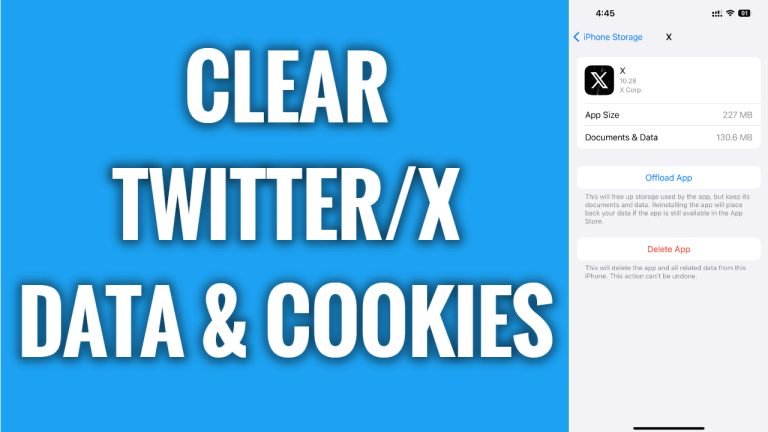
In this article I will show you how to clear Twitter app data & cookies.
Did you know that Twitter collects a lot of information about you on its app? Luckily, you can clear all your Twitter app data in just a few seconds.
Just follow these steps:
- Proceed to your phone’s “Settings”.
- Now go to “General” section.
- Open up “iPhone storage”.
- Now scroll down and tap on Twitter or X app.
- Select “Offload app”.
- Popup box will appear, now just tap on “Offload app” again and this will clear all Twitter app data & cookies.
Done! You have successfully cleared data & cookies on your Twitter App.
I hope this guide was helpful and you were able to clear Twitter app data & cookies.
Want to grow your Instagram profile? Get more Instagram followers!
