Want to grow your Instagram profile? Get more Instagram followers!
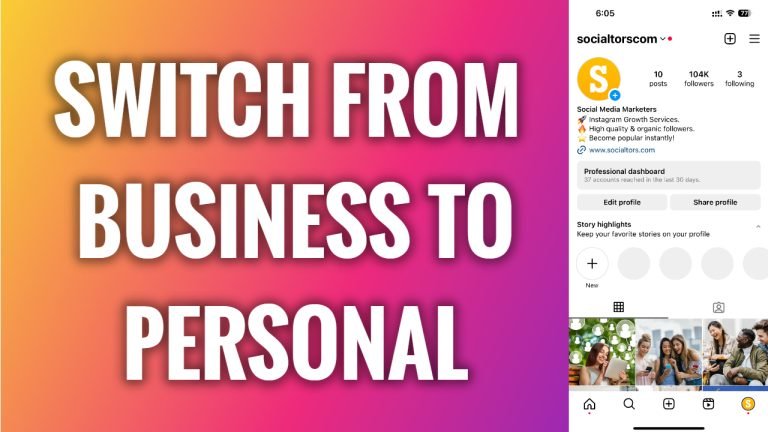
In this article I will show you how to switch back from business to personal Instagram profile.
Do you want to make your Instagram profile private but you cannot do it because it is currently set up as a business profile?
Or maybe there are other reasons you want to switch to personal Instagram profile. Luckily, you can easily switch your Instagram profile from business to personal.
Follow these steps:
- Open Instagram app and login to your profile.
- Tap on the menu icon at the top right corner of your screen.
- Tap on “Settings and privacy”.
- Go to “Business tools and controls”.
- Scroll down and tap on “Switch account type”.
- Select “Switch to personal account”.
- Select “Switch to personal account” again to confirm.
That’s how it’s done!
I hope this guide was helpful and you were able to switch back from business to personal Instagram profile.
Want to grow your Instagram profile? Get more Instagram followers!
