Want to grow your Instagram profile? Get more Instagram followers!
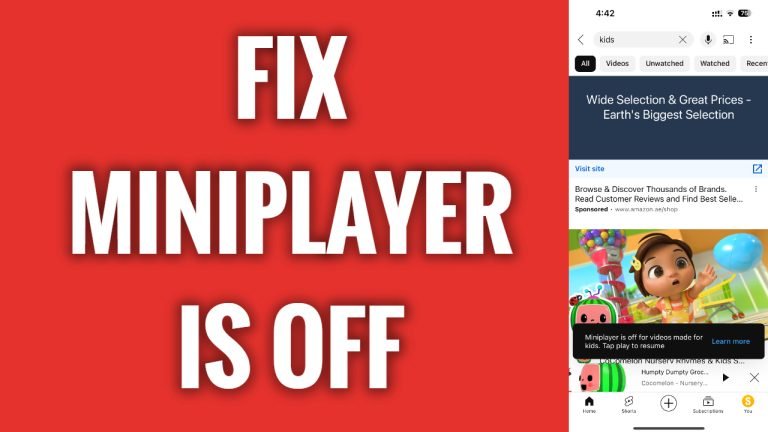
In this article I will show you how to fix miniplayer is off for videos made for kids problem on YouTube.
As you can see this YouTube video runs normally when I view it in a standard screen, however, if I try to view it in the miniscreen, video stops playing and displays me error message stating that “Miniplayer is off for videos made for kids”.
For some reason YouTube doesn’t allow to view videos made for kids in the miniplayer. So, if that is not your video then there is nothing you can do about it, you will just not be able to view it in the miniplayer.
However, if this is your video and other people cannot view it in the miniplayer, then you can tweak your video settings to make it available to view in the miniplayer.
Follow these steps:
- Open up YouTube app and login to your YouTube profile.
- Click on your profile picture at the bottom right corner.
- Now tap on “Your videos”.
- Tap on the three-dot icon next to the video which was not playing in the miniplayer.
- Select “Edit”.
- Tap on “Audience” category and make sure that you have selected “No, it’s not made for kids” option. After changing these settings video should be playing in the miniplayer.
That’s it.
I hope this guide was helpful and you were able to fix miniplayer issue on YouTube app.
Want to grow your Instagram profile? Get more Instagram followers!
