Want to grow your Instagram profile? Get more Instagram followers!
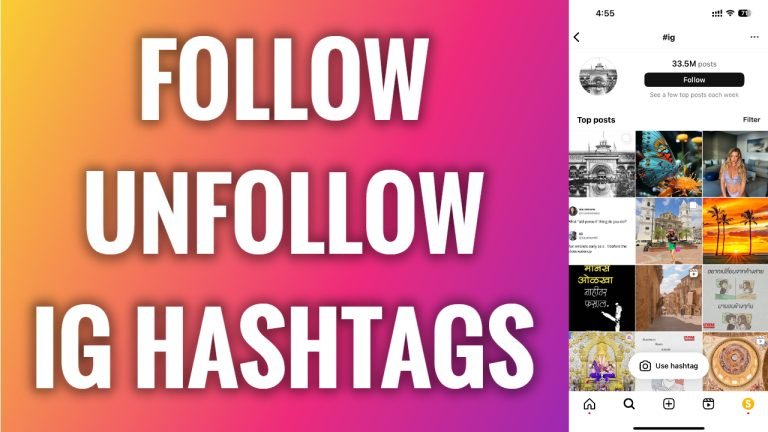
In this article I will show you how to follow and unfollow hashtags on Instagram.
Did you know that you can follow not just people but hashtags too? If you follow certain hashtags, then you will see those posts and stories which use your followed hashtags.
Follow these steps:
- Open Instagram app and login to your Instagram profile.
- Tap on the “Search” icon at the bottom left corner.
- Go to the Search section and start typing the hashtag you want to follow.
- Now tap on this hashtag.
- At the top of the screen just tap on “Follow” button.
- If you want to unfollow this hashtag just tap on “Unfollow” at the top again.
That’s it! From now on your explore page will include content which is related to this hashtag.
I hope this guide was helpful and you were able to follow and unfollow hashtags on Instagram.
Want to grow your Instagram profile? Get more Instagram followers!
