Want to grow your Instagram profile? Get more Instagram followers!
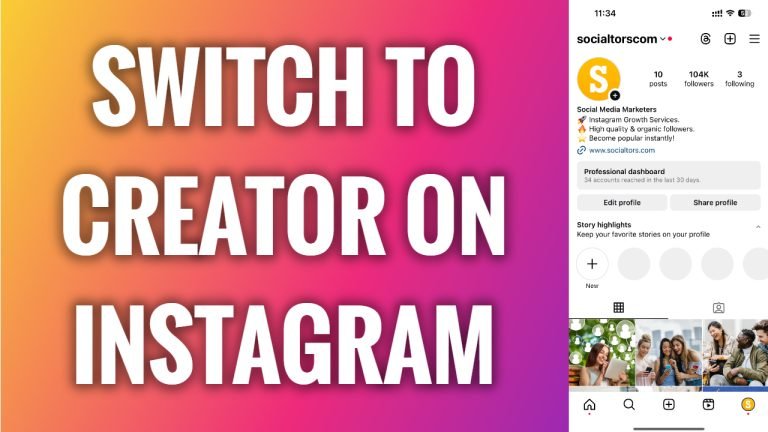
In this article I will show you how to switch to creator account on Instagram.
Are you currently running a personal or business Instagram account? Instagram creator accounts are similar to business profiles, offering users exclusive features, insights, and much more.
Follow these steps:
- Open Instagram app and login to your Instagram profile.
- Tap on the “Menu” icon at the top right corner of your screen.
- Proceed to “Settings and privacy”.
- Now as I currently run business profile I will go to “Business tools and controls”, but if you run a personal profile then you will not see such option so you will need to find “Switch account type” in another place.
- Now just tap on “Switch account type”.
- Select “Switch to personal account”. That’s it.
It’s also important to mention that only Instagram accounts that have more than 10 000 followers are able to switch to creator account.
I hope this guide was helpful and you were able to switch to creator account on Instagram.
Want to grow your Instagram profile? Get more Instagram followers!
