Want to grow your Instagram profile? Get more Instagram followers!
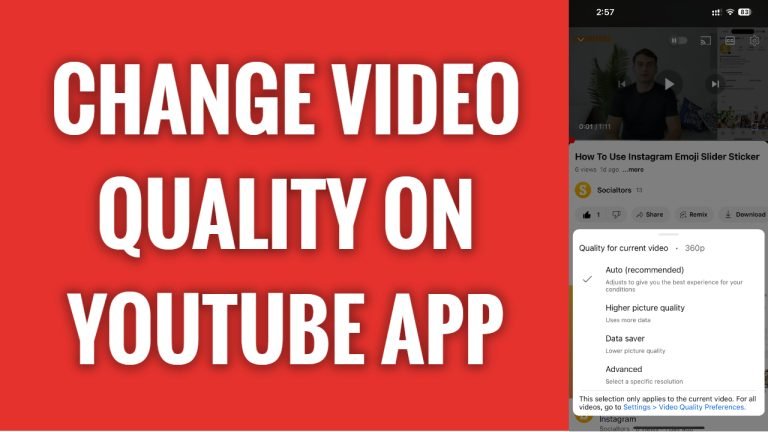
In this article I will show you how to change video quality on YouTube app.
YouTube video quality usually changes automatically according to your internet speed. The faster the internet connection the better video quality you will see.
However, if you would like to increase YouTube video quality to watch video in HD or reduce quality because you have a slow internet connection, then you can easily do so too.
Follow these steps:
- Open up YouTube app and login to your YouTube profile.
- Open the YouTube video and pause it for a moment.
- Tap on the “Gear” icon at the top right.
- Select “Quality” from this menu.
- Tap on “Advanced”.
- Select your preferred video quality.
That’s how it’s done!
I hope this guide was helpful and you were able to change video quality on YouTube app.
Want to grow your Instagram profile? Get more Instagram followers!
