Want to grow your Instagram profile? Get more Instagram followers!
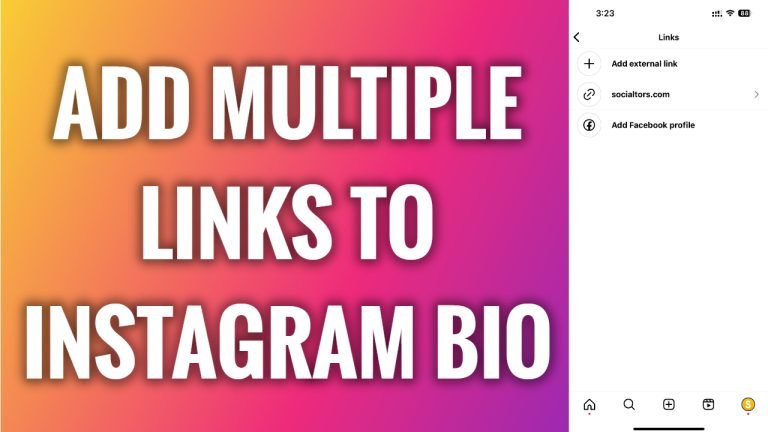
In this article I will show you how to add multiple links to your Instagram bio.
Would you like to add multiple links to your Instagram bio? You can easily do it.
Follow these steps:
- Open Instagram app and login to your Instagram profile.
- Tap on “Edit profile” button.
- Now tap on “Links” section.
- Select “Add external link”.
- Now type in your URL link and give it a title if you would like to.
- Repeat the process with another link.
That’s how it’s done! You have successfully added multiple links to your Instagram profile.
I hope this guide was helpful and you were able to add multiple links to your Instagram bio.
Want to grow your Instagram profile? Get more Instagram followers!
