Want to grow your Instagram profile? Get more Instagram followers!
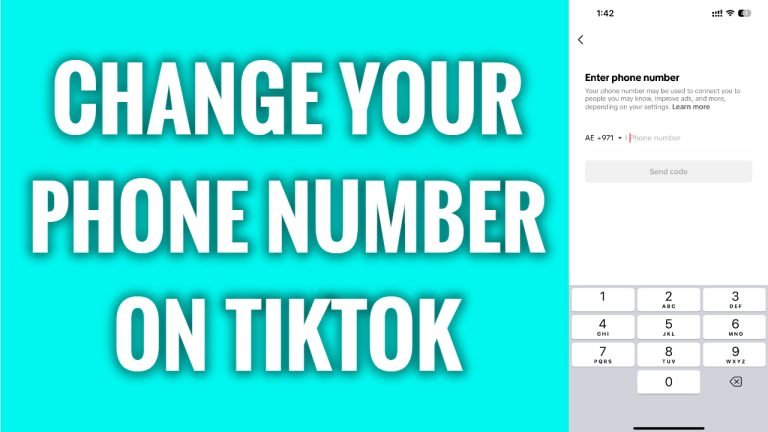
In this article I will show you how to change your phone number on TikTok.
Would you like to add another phone number on your TikTok profile? You can easily do it.
Follow these steps:
- Open TikTok app and login to your TikTok profile.
- Tap on the menu icon at the top right corner.
- Go to “Settings and privacy”.
- Go to “Account” section.
- Proceed to “User information”.
- Tap on “Phone number”
- Here just enter your mobile number and tap on “Send code”.
- After verifying your new phone number, it will be added to your TikTok profile.
That’s how it’s done!
I hope this guide was helpful and you were able to change your phone number on TikTok.
Want to grow your Instagram profile? Get more Instagram followers!
