Want to grow your TikTok profile? Get more TikTok followers now!
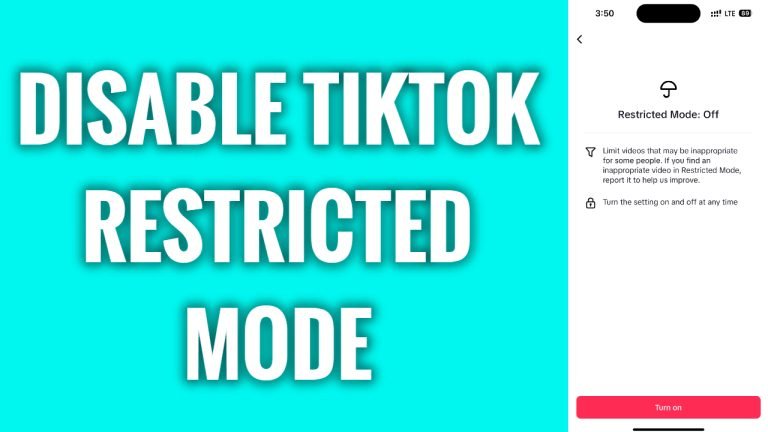
In this article I will show you how to disable restricted mode on TikTok.
Have you set a restricted mode on TikTok earlier, but you would like to disable it now to view various content without any limitations? You can easily do it by disabling the restricted mode.
Just follow these steps:
- Open up TikTok app and login to your TikTok account.
- Tap on the “Menu” icon at the upper right-hand corner.
- Go to “Settings and privacy”.
- Now go to “Content preferences”.
- Tap on “Restricted mode”.
- Select “Turn off”.
- Enter the passcode you set earlier and tap on “Next”.
That’s how it’s done! You have disabled restricted mode on TikTok.
I hope this guide was helpful and you were able to disable restricted mode on TikTok.
Want to grow your TikTok profile? Get more TikTok followers now!
