Want to grow your TikTok profile? Get more TikTok followers now!
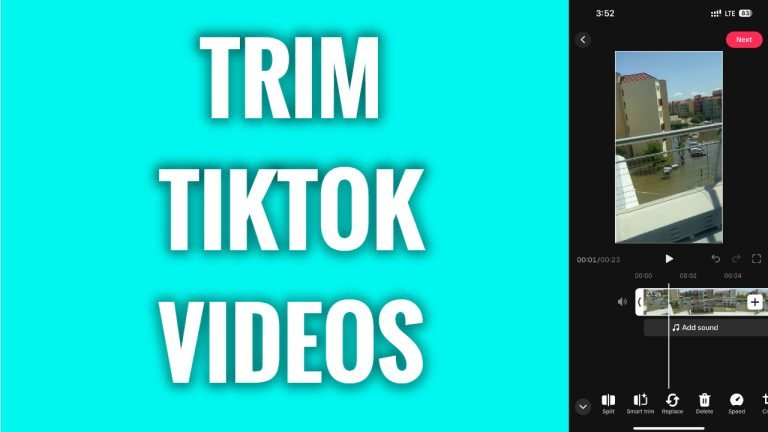
In this article I will show you how to trim TikTok videos.
Would you like to make your video short and trim it a little bit before posting it on TikTok? You can easily do it.
Follow these steps:
- Open TikTok app and login to your TikTok profile.
- Tap on the plus icon at the bottom.
- Now tap on “Upload” at the right side to upload a video.
- Tap on “Next”.
- Tap on the “Trimming” sticker on the left, this is the third icon from the top.
- Now just move the beginning or end of the video and you will be able to trim it.
- Once you are done trimming, just tap on “Next” and continue posting your video as usual.
That’s how it’s done!
I hope this guide was helpful and you were able to trim TikTok videos.
Want to grow your TikTok profile? Get more TikTok followers now!
