Want to grow your TikTok profile? Get more TikTok followers now!
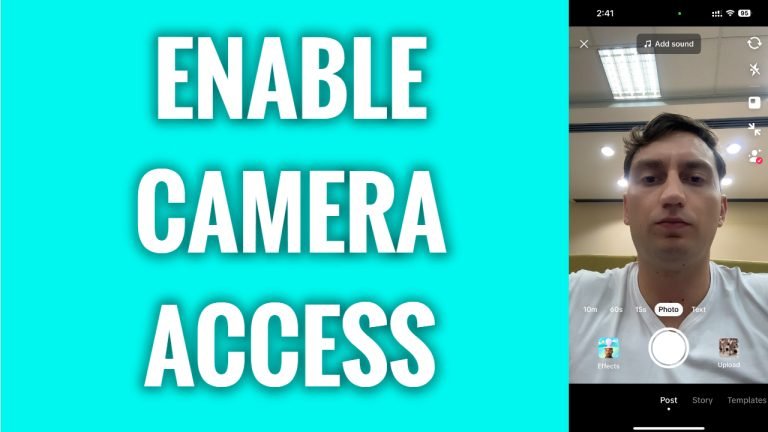
In this article I will show you how to enable camera access on TikTok.
Do you want to record videos for TikTok? The first thing you need to do is to enable camera access for your TikTok app.
Just follow these steps:
- Open TikTok app and login to your TikTok profile.
- Tap on the “Plus” icon at the bottom.
- Now as you can see “Allow TikTok to access your camera and microphone” message is displayed at the top. Just tap on “Open settings” button.
- Simply switch the toggle on next to “Camera” and you will enable camera access on TikTok.
That’s it for this video!
I hope this guide was helpful and you were able to enable camera access on TikTok.
Want to grow your TikTok profile? Get more TikTok followers now!
