Want to grow your Instagram profile? Get more Instagram followers!
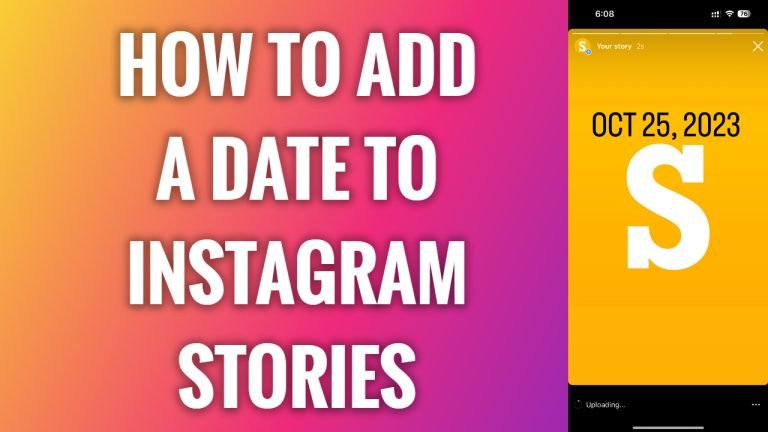
In this article I am going to show you how to add a date to Instagram story.
Date stickers simply show date on your Instagram story, but it is still one of the most popular stickers that are used on Instagram.
If the picture that you are uploading on your stories was taken on a special day, then just put in a sticker with that date on it.
- Open Instagram app on your mobile phone.
- Tap on the plus icon at the top right corner.
- Now tap on “Story”.
- Select the picture from your gallery or just take a new one.
- Tap on stickers icon at the top of your screen.
- Tap on “Date” sticker.
- Now click on “Done”.
- Proceed by publishing your story. Done.
I hope this guide was helpful and you were able to a date to your Instagram story.
Want to grow your Instagram profile? Get more Instagram followers!
