Want to grow your Instagram profile? Get more Instagram followers!
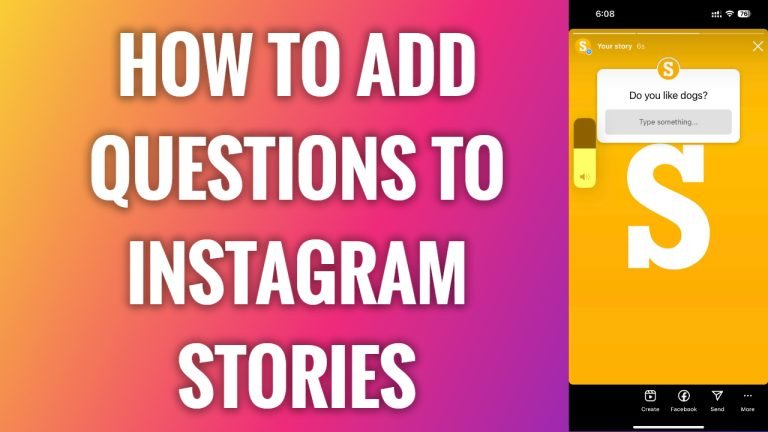
In this article I am going to show you how to add a question to Instagram story.
If you would like to ask your audience a question, but it can’t be answered in simple answer as Yes or No, then consider using Question sticker instead of Poll sticker. These open-ended questions also help to get more of user engagement on your stories.
- Open Instagram app on your mobile.
- Click on the plus icon at the upper right side of your screen.
- Proceed by going to “Story”.
- Select the picture which you would like to upload to your stories.
- Tap on stickers icon at the top.
- Tap on “Questions” sticker.
- Now type in your question.
- After that simply tap on “Done”.
- Proceed by publishing your story. That’s it.
I hope this guide was helpful and you were able to add a question to Instagram story.
Want to grow your Instagram profile? Get more Instagram followers!
