Want to grow your Instagram profile? Get more Instagram followers!
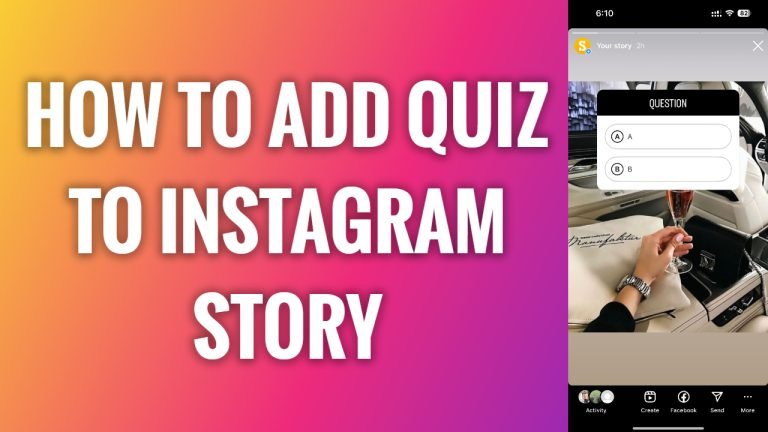
In this article I am going to show you how to add quiz to Instagram story.
Quiz sticker is a great and entertaining feature to use if you would like to ask your audience opinion on some matter or just entertain them with a random quiz.
Quizzes also help you to generate more engagement than average story, so it is advisable to use it whenever it’s possible.
- Open Instagram app on your mobile phone.
- Tap on the plus icon at the right corner of your screen.
- From this menu select “Story” to upload a new story.
- Now select a picture from your gallery or just take a new picture.
- After that tap on the stickers icon at the top of your screen.
- Tap on “Quiz” sticker.
- Type in your question and answers.
- After that tap on “Done”.
- Continue by uploading your story. That’s it!
I hope this guide was helpful and you were able to add a quiz to your Instagram story.
Want to grow your Instagram profile? Get more Instagram followers!
