Want to grow your Instagram profile? Get more Instagram followers!
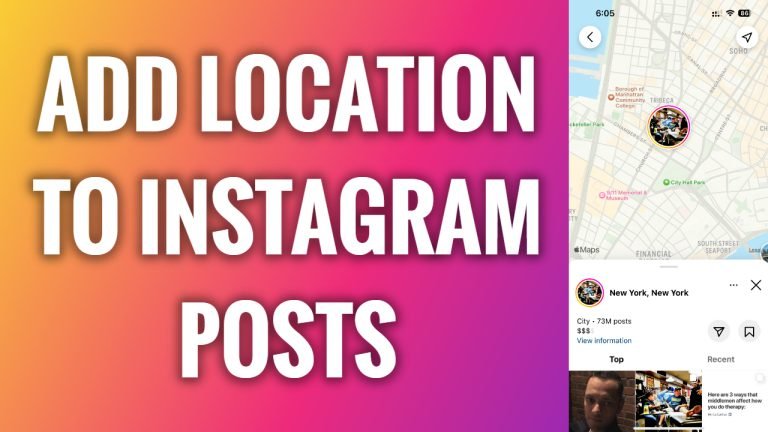
In this article I will show you how to add location to Instagram posts.
Did you know that Instagram posts with a tagged location receive almost as twice more engagement than those without a location tag? It means that if you want to grow your Instagram profile faster, you should add locations to your Instagram posts.
Just follow these steps:
- Open up Instagram app and login to your Instagram profile.
- Find one of your posts to which you would like to add a location and tap on it.
- Now tap the three dots icon at the top-right corner of your screen.
- Select “Edit”.
- Tap on “Add Location” text at the top left and start typing location what you want to add.
- Select the location.
- Now tap on “Done” at the top right corner of your screen.
That’s how it’s done!
I hope this guide was helpful and you were able to add location to Instagram posts.
Want to grow your Instagram profile? Get more Instagram followers!
