Want to grow your Instagram profile? Get more Instagram followers!
In this article I am going to show you how to add location to your Instagram story.
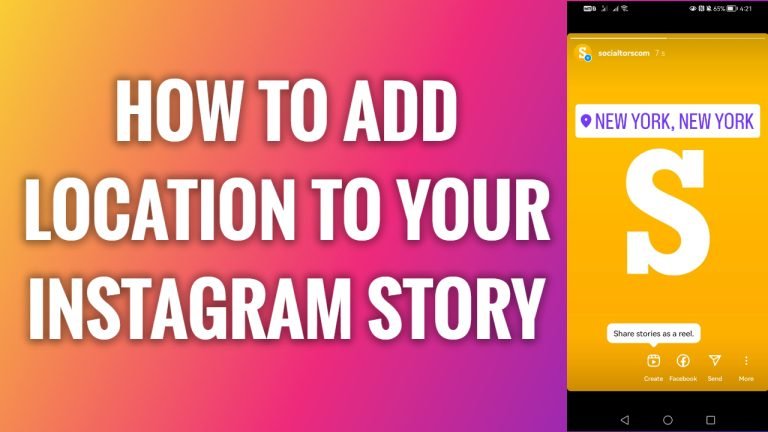
If you just took a picture in a fancy place like New York and want to share it on your story, you can also add a location sticker to it so everyone would know where this picture was taken at.
- Open up Instagram app on your mobile phone.
- Tap on the “Plus” icon at the top of your screen.
- Select “Story”.
- Take a new picture or select the one you have saved on your phone.
- Now tap on “Sticker” icon at the top of your screen.
- Select the first option which is the “Location” sticker.
- Now search for a location you would like to add. I will just search for “California”.
- As you can see this location sticker has appeared on top of my story. You can move it around and place it anywhere on your story. Done!
I hope this guide was helpful and you were able to add location to your Instagram story.
Want to grow your Instagram profile? Get more Instagram followers!
