Want to grow your Instagram profile? Get more Instagram followers!
Instagram stickers are interactive visual elements which can be added to your Instagram stories.
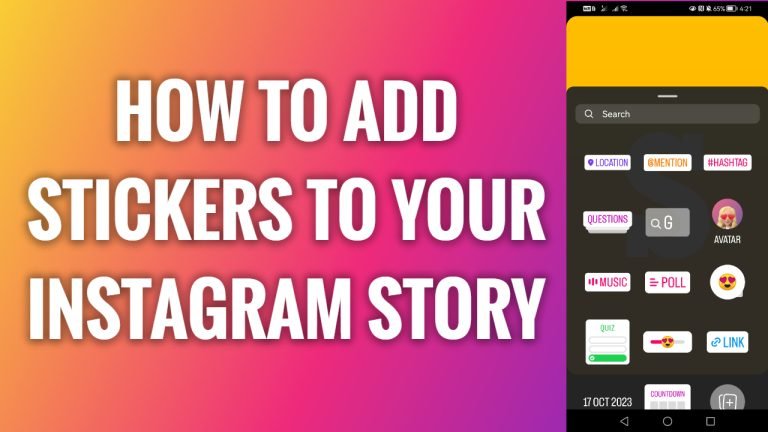
You can add a variety of different stickers, like Location, Mention, Hashtag, Date, Weather Temperature, Gif, Emoji, Poll and so on. They help to make your stories more interesting and noticeable.
- Open up Instagram app on your phone.
- Tap on the “Plus” icon at the top right corner to add a new story.
- Select “Story”.
- Now choose any photo to add to your story.
- Tap on the “Sticker” icon at the top.
- Here you will be able to find various stickers. I will just tap on “Location”.
- Here just add any location and this sticker will appear on your story. That’s it!
I hope this guide was helpful and you were able to add stickers to your Instagram story.
Want to grow your Instagram profile? Get more Instagram followers!
