Want to grow your Instagram profile? Get more Instagram followers!
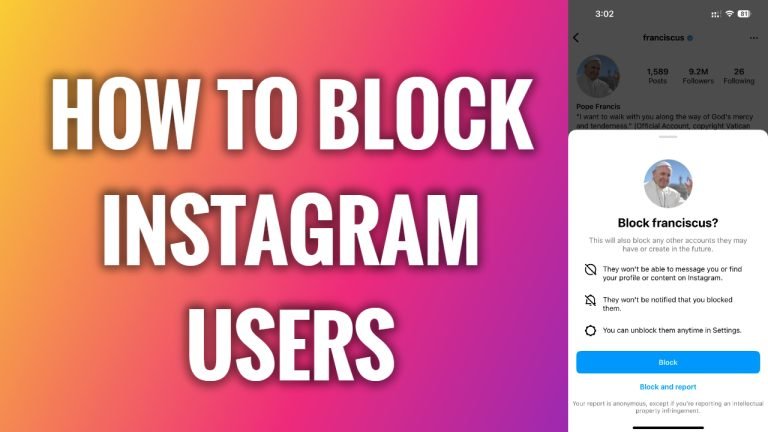
In this article I will show you how to block Instagram users.
There will always be haters and spammers on every social media network and you need to handle them in some way. You can either do nothing or simply block them so they wouldn’t be able to send you DMs or comment under your posts.
- Open up Instagram app on your mobile phone.
- Find the user which you would like to block and proceed to his profile.
- Tap on the three-dot icon at the top right corner of your screen.
- Select “Block”.
- Now tap on “Block” button again to confirm that you want to block this user.
- That’s it. Now this user will not be able to send you any messages or comment under your posts.
I hope this guide helpful and were able to block Instagram users.
Want to grow your Instagram profile? Get more Instagram followers!
