Want to grow your Facebook profile? Get more Facebook followers!
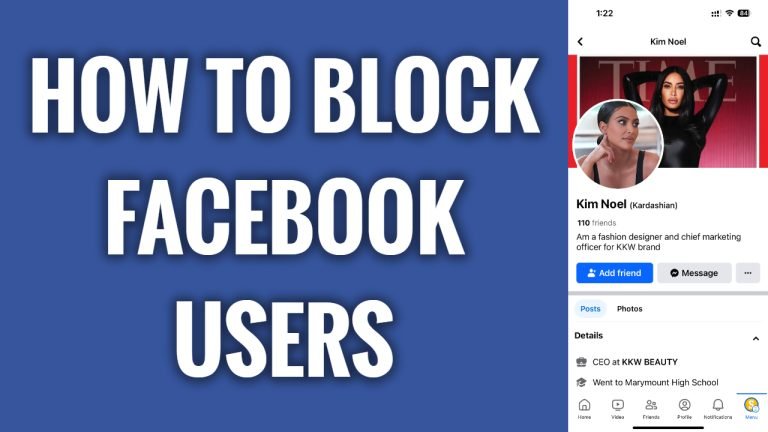
In this article I will show you how to block unwanted Facebook users.
There are a lot of spammers and promoters on Facebook. Luckily, you can easily block unwanted Facebook users so you wouldn’t see their messages, posts and comments anymore.
Just follow these steps:
- Open up Facebook app on your mobile phone and login to your profile.
- Now go to the Facebook profile which you would like to block.
- Now tap on three-dot icon at the right corner.
- Now tap on “Block”.
- Popup window will appear, select “Block” one more time again to confirm that you really want to block him.
Blocked Facebook user won’t be able to send you messages, won’t see any of your posts and won’t be able to tag you in his posts or comments.
I hope this guide was helpful and you were able to block unwanted Facebook users & never see them again.
Want to grow your Facebook profile? Get more Facebook followers!
