Want to grow your Instagram profile? Get more Instagram followers & likes!
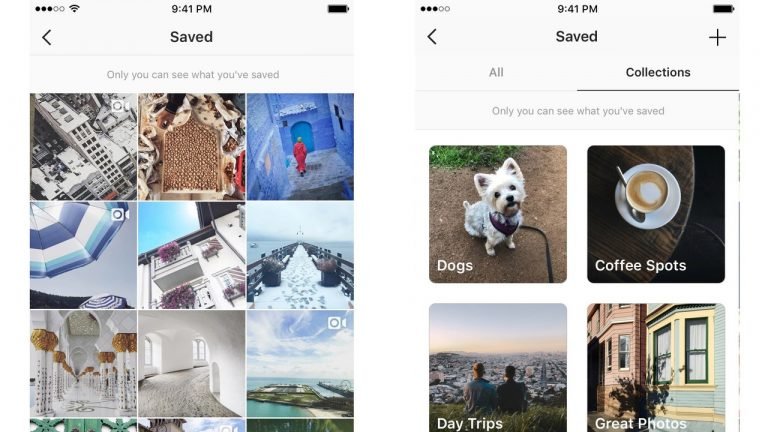
Would you like to edit the cover picture of your Instagram collection? You can easily do it.
In this article you are going to learn how to change cover of Instagram collection.
Let’s get started!
How to change cover of Instagram collection?
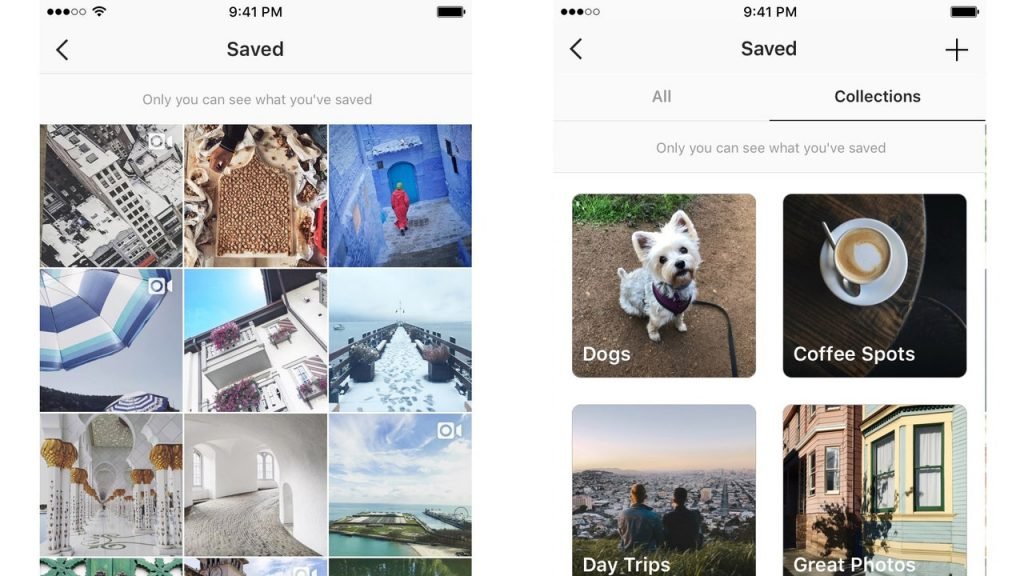
Follow these steps and you will figure out how you can do it:
- Go to your Instagram profile tab and press on the three lines icon in upper-right corner of the screen.
- Find the Saved section and click on it.
- Now hit the collection which cover you want to change.
- After that tap the three dots icon in the top-right corner.
- Select the Edit Collection option from the menu that appears on the screen.
- Press on Change Cover and choose the post you want to use as your collection’s cover.
- Then hit the checkmark icon in order to save changes.
Done!
Want to grow your Instagram profile? Get more Instagram followers & likes!
I hope this guide was helpful and you were able to change cover of Instagram collection.
