Want to grow your Instagram profile? Get more Instagram followers!
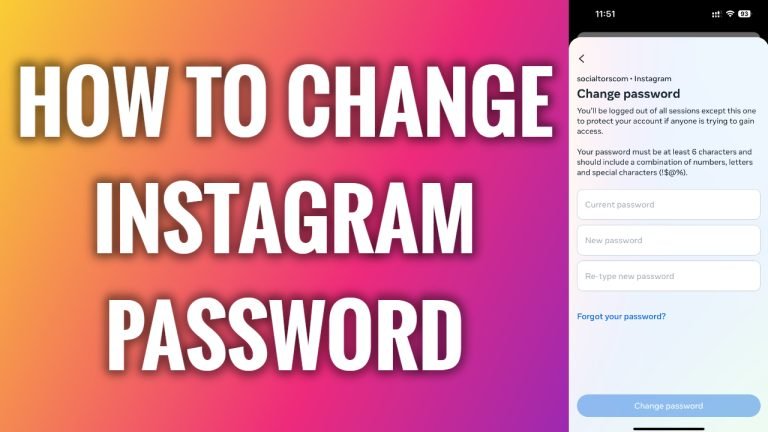
In this article I will show you how to change your Instagram profile password.
Cybersecurity experts always suggest changing your passwords on a regular basis. So, if you haven’t done this in a while then I recommend you to do it now.
Just follow these steps:
- Open up Instagram app and login to your Instagram profile.
- Tap on the menu icon at the top right corner.
- Go to “Settings and privacy”.
- Proceed to “Accounts center”.
- Now go to “Password and security”.
- Tap on “Change password”.
- Tap on your profile.
- Now simply enter your current password and your new password. That’s it!
I hope this guide was helpful and you were able to change your Instagram profile password.
Want to grow your Instagram profile? Get more Instagram followers!
