Want to grow your Facebook profile? Get more Facebook followers!
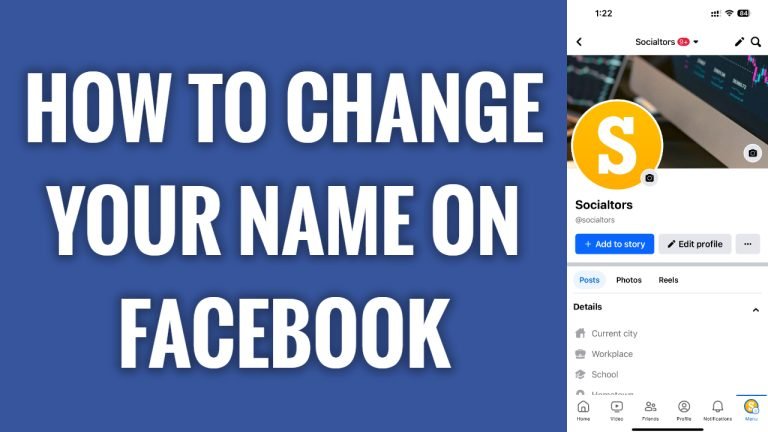
In this article I will show you how to change your name on Facebook.
If you want to keep your social media more private and want to use another name, you can easily change your Facebook profile name whenever you want.
Just follow these steps:
- Open up Facebook app and login to your Facebook profile.
- Now tap on the menu icon at the bottom right corner.
- Proceed by tapping on “Gear” icon at the top right.
- Now tap on “See more in Accounts center”.
- Tap on “Profiles”.
- Select your profile.
- Tap on “Name”.
- Here you will be able to change your Facebook name. Just change it and click on “Save”. That’s it.
Make sure to review your edited name before saving because Facebook allows you to change your name only once per 60 days.
I hope this guide was helpful and you were able to change your name on Facebook.
Want to grow your Facebook profile? Get more Facebook followers!
