Want to grow your Instagram profile? Get more Instagram followers!
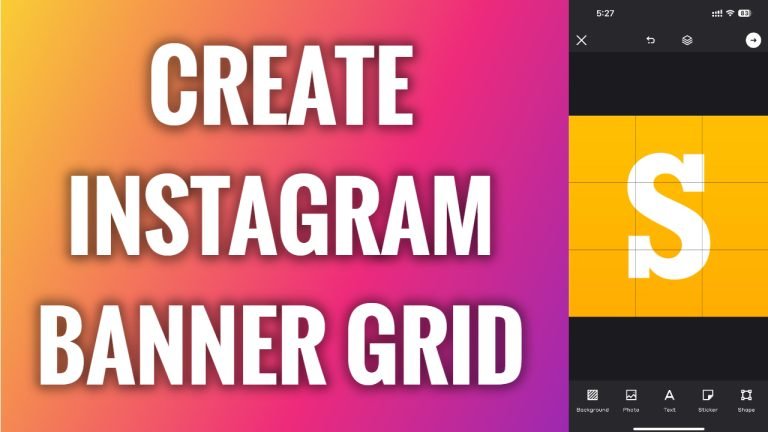
In this article I will show you how to create an Instagram banner.
Would you like to split your image into several pictures and upload it as an Instagram banner or grid? You can easily do it.
Follow these steps:
- First of all, go to the app store.
- Now search for the “Grids” app.
- Download this app to your phone. As you can see I have already downloaded it.
- Now open up this app and tap on “Instagram feed”.
- Tap on “Create blank”.
- Select your preferred layout for Instagram grid. I will just select a layout consisting of 9 pictures.
- Now tap on the “Checkmark” icon at the top right corner.
- Now tap on “Photo” at the bottom.
- Select “Image from the gallery”.
- Select a picture from your phone’s gallery.
- Now tap on the “Checkmark” icon at the top right again.
- Tap on “Save as grid” and these 9 photos will be saved to your phone’s gallery.
- After that simply open up Instagram and upload all of these pictures to your Instagram profile.
That’s how it’s done!
I hope this guide was helpful and you were able to create an Instagram banner.
Want to grow your Instagram profile? Get more Instagram followers!
