Want to grow your Facebook profile? Get more Facebook followers!
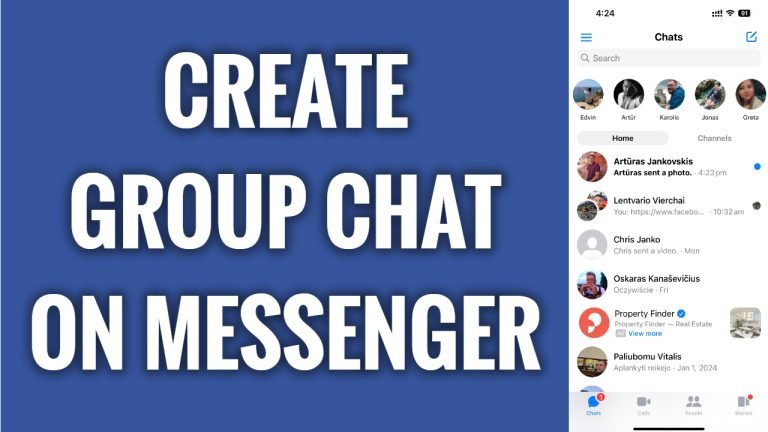
In this article I will show you how to create a group chat on Facebook Messenger.
Do you want to chat on Facebook Messenger with several people at once? Luckily, you can easily create a group chat on Facebook Messenger to do that.
Just follow these steps:
- Open up Facebook Messenger app and login to your profile.
- Click on Pencil icon at the top right corner of your screen.
- Tap on “Create a new group”.
- Here just select the users you want to add to your Facebook Messenger group and after that tap on “Create” at the top right corner. That’s it.
I hope this guide was helpful and you were able to create group chat on Facebook Messenger.
Want to grow your Facebook profile? Get more Facebook followers!
