Want to grow your TikTok profile? Get more TikTok followers now!
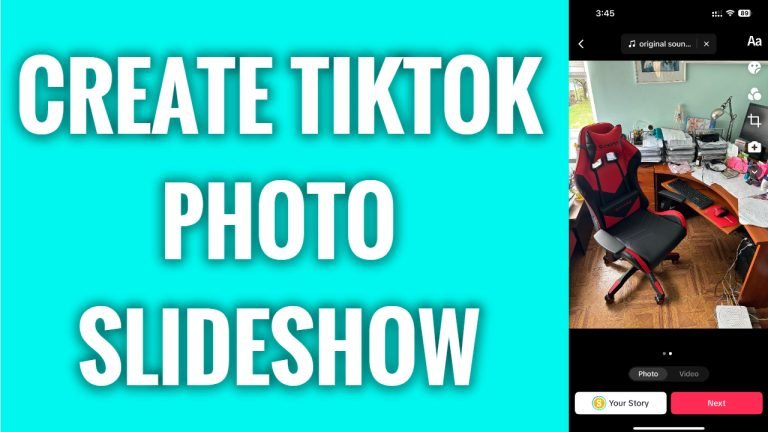
In this article I will show you how to create a slideshow on TikTok without photo templates.
Even though you cannot upload a single photo on TikTok, you can still upload a series of pictures and create a slideshow.
Just follow these steps:
- Open TikTok app and login to your TikTok profile.
- Tap on the “Plus” icon at the bottom of your screen.
- Tap on “Upload” at the bottom right side of your screen and you will be redirected to your phone’s gallery.
- Tap on “Select multiple” at the bottom left.
- Now choose several photos you would like to post.
- Tap on “Next”.
- Here in this page, you will be able to add sounds and filters.
- Tap on “Next” at the right side.
- Now when everything’s set up just tap on “Post” and your slideshow will be posted.
That’s how it’s done!
I hope this guide was helpful and you were able to create a slideshow on TikTok without photo templates.
Want to grow your TikTok profile? Get more TikTok followers now!
