Want to grow your Instagram profile? Get more Instagram followers!
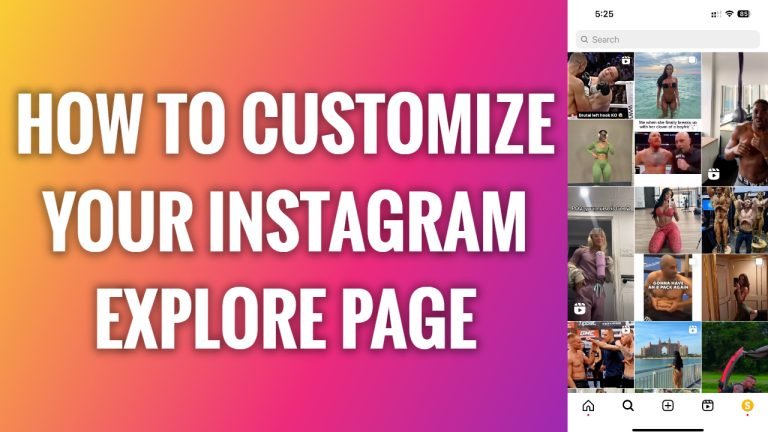
In this article I will show you how to customize your Instagram explore page.
Instagram always tries to improve user experience and show you only the content you would like to see.
Instagram algorithm automatically shows the more of the content that you viewed or liked previously. However, if you noticed that your Instagram explore page is flooded with unrelated content, then you should try to customize it.
Just follow the steps:
- Open up Instagram app and login to your Instagram profile.
- Tap on the search icon at the bottom to go to your explore page.
- Now tap on any post which you wouldn’t like to see on your explore page.
- Tap on three-dot icon at the top right corner.
- Tap on “Not interested”.
- Do this with all the posts you don’t want to see on your Instagram explore feed and you won’t see them on your feed in the future. That’s how you customize your Instagram explore page.
What’s more, be more active and like, comment on the content you really like. This will give Instagram’s algorithm a signal to show more of this content on your feed.
I hope this guide was helpful and you were able to customize your Instagram explore page.
Want to grow your Instagram profile? Get more Instagram followers!
