Want to grow your Facebook profile? Get more Facebook followers!
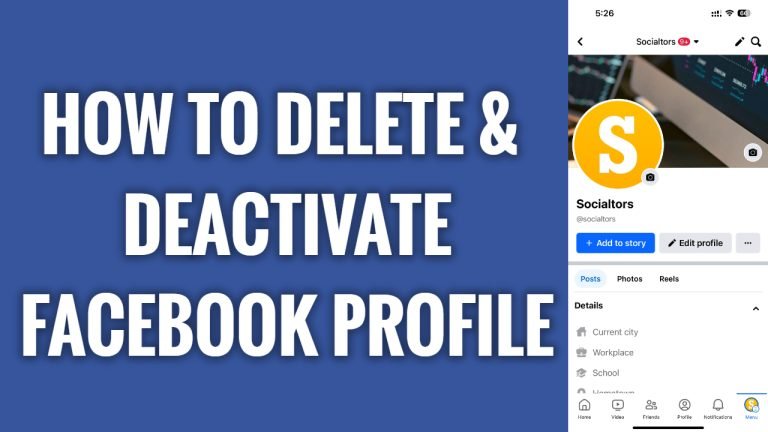
In this article I will show you how to deactivate and delete your Facebook profile.
First of all, there is a slight difference between deactivating and deleting your Facebook profile. Basically, deactivating is a temporary thing and can be reactivated.
Deleting is permanent, so you should choose this option only if you are sure that you will not be coming back to Facebook anymore.
Just follow these steps:
- Open up Facebook app and login to your profile.
- Now tap on the “Menu” icon at the bottom right corner.
- Proceed by going to settings by clicking on the “Gear” icon at the top right.
- Now tap on “See more in Accounts Center”.
- Now tap on “Personal details”.
- Go to “Account ownership and control”.
- Tap on “Deactivation or deletion”.
- Choose the profile you want to deactivate or delete.
- Now choose whether you want to deactivate it or delete it and tap on “Continue”.
- Now just enter your password and your Facebook profile will be removed.
Note that if you deactivated your Facebook profile, you will be able to reactivate it anytime in the future. However, if you submit request for profile deletion, then you will have 30 days to cancel it.
I hope this guide was helpful and you were able to deactivate & delete your Facebook profile.
Want to grow your Facebook profile? Get more Facebook followers!
