Want to grow your TikTok profile? Get more TikTok followers now!
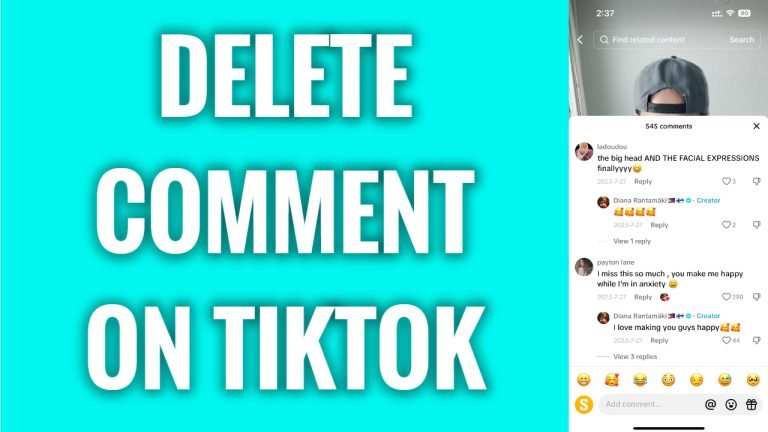
In this article I will show you how to delete comments on TikTok.
Have you previously written a comment under someone’s TikTok video but would like to delete your comment now? You can easily do it.
Simply follow these steps:
- Open TikTok app and login to your TikTok profile.
- Open up the video where you have left your comment and find a comment you want to delete.
- Tap and hold on your comment.
- Select “Delete” from this menu.
That’s it! Your comment has been deleted.
I hope this guide was helpful and you were able to delete comments on TikTok.
Want to grow your TikTok profile? Get more TikTok followers now!
