Want to grow your Instagram profile? Get more Instagram followers!
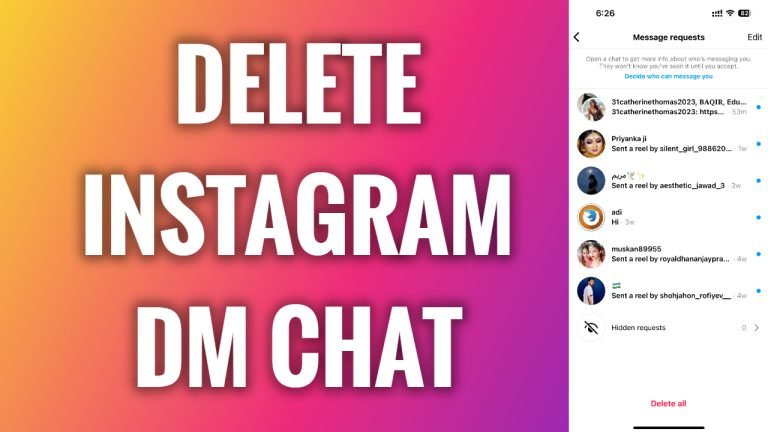
In this article I will show you how to delete direct message conversation on Instagram.
Instagram direct messages is a great way to contact people on Instagram.
However, you can find yourself browsing through multiple conversations, so it may be useful to delete old or unnecessary conversations. This will make it more convenient finding important chats later on.
Just follow these steps:
- Open Instagram app and login to your Instagram profile.
- Tap on the “House” icon at the bottom left corner.
- Now proceed to your messages by tapping on the icon at the top right corner.
- Here you will see all of your message conversations.
- Just swipe left on the chat you want to delete.
- After that tap on “Delete”.
- Now popup window will appear. Select “Delete” again to confirm that you want to delete this direct message conversation. Done!
I hope this guide was helpful and you were able to delete direct message conversation on Instagram.
Want to grow your Instagram profile? Get more Instagram followers!
