Want to grow your Facebook profile? Get more Facebook followers!
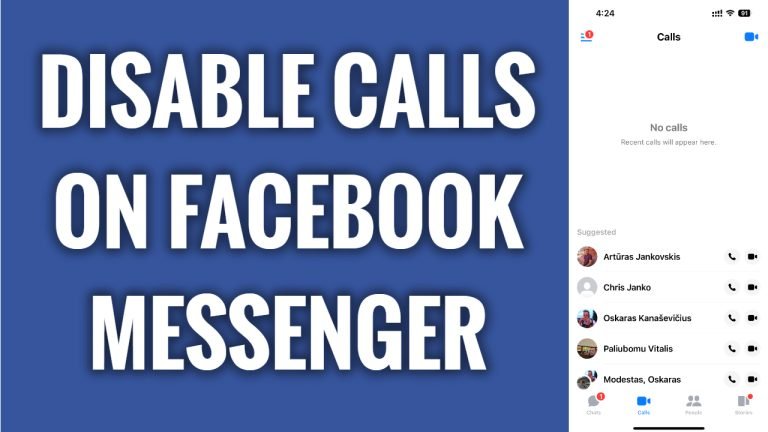
In this article I will show you how to disable calls on Facebook Messenger.
Don’t want to receive calls on your Facebook Messenger app? Luckily, you can easily disable calls on Facebook Messenger app if you prefer to use it only for texting.
Just follow these steps:
- Go to your phone’s “Settings”.
- Now scroll down and find the Facebook Messenger app.
- Proceed to “Notifications”.
- Switch the toggle off next to “Allow notifications” and this will disable calls on your Facebook Messenger app. There is no direct way to disable calls, so you can only do this by turning off the notifications.
That’s it.
I hope this guide was helpful and you were able to disable calls on Facebook Messenger.
Want to grow your Facebook profile? Get more Facebook followers!
