Want to grow your Instagram profile? Get more Instagram followers!
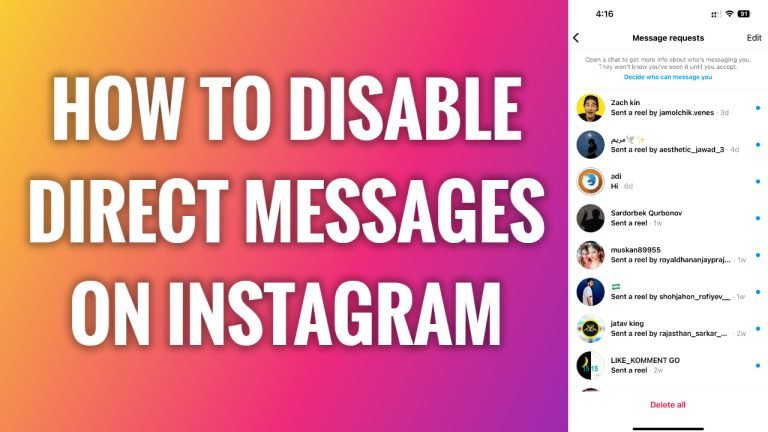
In this article I will show you how to disable direct messages on Instagram.
Direct messages are a great feature to use on Instagram to get in touch and network with others. However, sometimes spammers use direct messages to advertise and promote their services and this can be annoying.
One of the choices you have to deal with this is to simply disable your direct message on Instagram.
It is important to mention that you can’t fully disable direct messages, however, what you can do is to disable notifications for your direct messages. This way you won’t receive push notifications for direct messages, but will still be able to check them whenever you want.
Just follow these steps:
- Open up Instagram app on your phone and login to your Instagram account.
- Tap on the menu icon at the top right corner of your screen.
- Proceed to “Settings and privacy”.
- Now just tap on “Notifications” section.
- Tap on “Messages”.
- Now simply tap on “Off” next to “Message requests”, “Messages from individual and group chats”, “Message reminders” and “Group requests” and others. That’s it.
I hope this guide was helpful and you were able to disable direct messages on Instagram.
Want to grow your Instagram profile? Get more Instagram followers!
