Want to grow your Facebook profile? Get more Facebook followers!
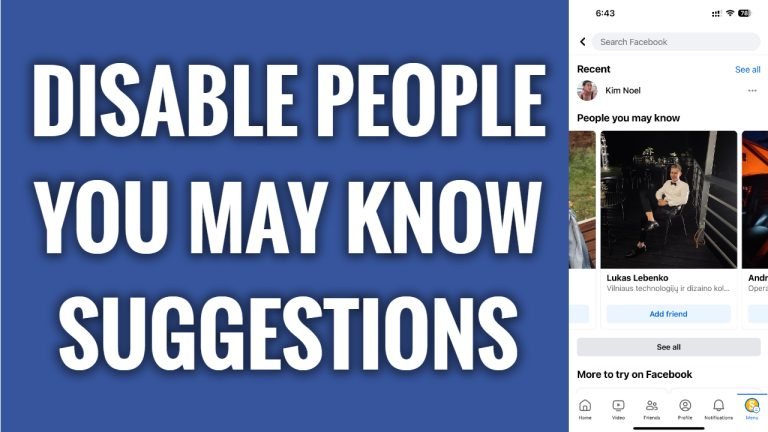
In this article I will show you how to disable “People you may know” suggestions on Facebook.
Are you receiving Facebook’s suggestions of people you may know too often and would like to disable this feature? Luckily, you can easily do so.
Just follow these steps:
- Open Facebook app and login to your Facebook profile.
- Click on the menu icon at the bottom right corner of your screen.
- Tap on the “Gear” icon at the top right corner.
- Scroll down and go to Notifications tab.
- Go to “People you may know” section and switch the toggle off next to “Allow notifications on Facebook”. Click on “Turn off” to confirm that you want to disable this feature. Now you will not be receiving “People you may know” notifications, however, we are not done yet. You still need to disable location access in your settings so that you wouldn’t see suggestions inside the Facebook app.
- Go back to Facebook app Settings menu and tap on “Device permissions”.
- Tap on “Location”.
- Select “Never”.
- Tap on “Update settings” button below. That’s it!
I hope this guide was helpful and you were able to disable “People you may know” suggestions on Facebook.
Want to grow your Facebook profile? Get more Facebook followers!
