Want to grow your TikTok profile? Get more TikTok followers now!
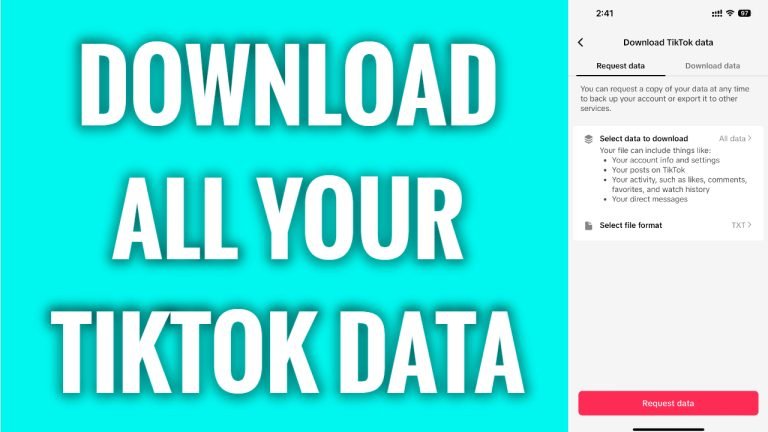
In this article I will show you how to download all your TikTok data.
TikTok app lets you to download all the data it collected about your activity overtime. This starts from the content you have posted to all your message chat conversations.
Follow these steps:
- Open up TikTok app and login to your TikTok profile.
- Tap on the menu icon at the top right corner of your screen.
- Select “Settings and privacy” from this menu.
- Proceed to “Account” section.
- Tap on “Download your data”.
- Tap on “Request data” button below and once your data is ready for download you will get a notification and will be able to download it from here.
That’s it! Keep in mind that this data folder will be available for download only for 4 days, so make sure to download it before it expires.
I hope this guide was helpful and you were able to download all your TikTok data.
Want to grow your TikTok profile? Get more TikTok followers now!
