Want to grow your Facebook profile? Get more Facebook followers!
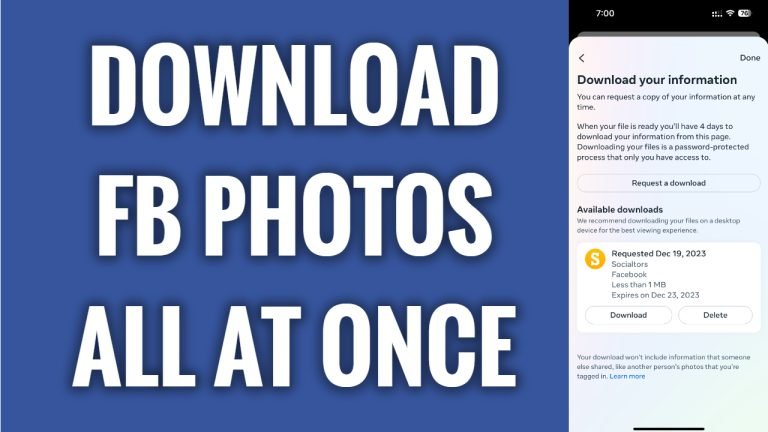
In this article I will show you how to download your Facebook photos all at once.
Do you want to have a backup copy of all of your Facebook photos? You can easily download your Facebook photos all at once.
Just follow these steps:
- Open Facebook app and login to your Facebook account.
- Tap on the menu icon at the bottom right corner.
- Tap on the “Gear” icon at the top right corner.
- Scroll down and tap on “Download your information”.
- Tap on “Continue”.
- Tap on “Request a download”.
- Now select which profile’s information you would like to download if you have multiple accounts.
- Now tap on “Select types of information”.
- Tap on “See more” and select “Posts”.
- Tap on “Next”.
- Tap on “Submit request”. Once your download is ready, you will get a notification to your email.
I hope this guide was helpful and you were able to download your Facebook photos all at once.
Want to grow your Facebook profile? Get more Facebook followers!
