Want to grow your Facebook profile? Get more Facebook followers!
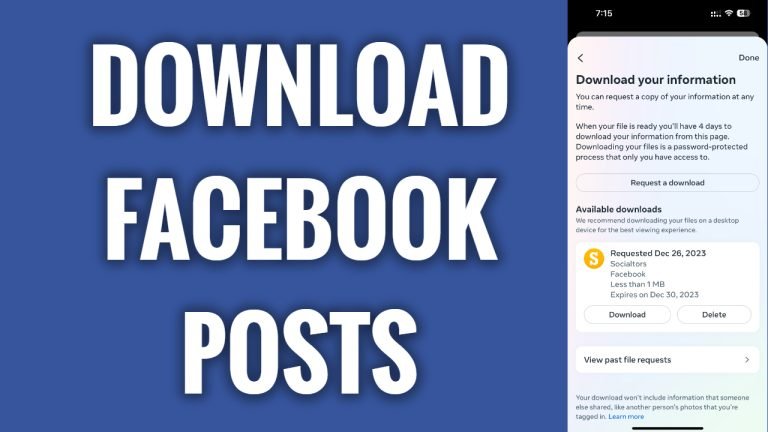
In this article I will show you how to download your Facebook posts all at once.
Do you want to save and download all of your Facebook posts at once? You can easily do it.
Just follow these steps:
- Open up Facebook app and login to your Facebook profile.
- Tap on the menu icon at the bottom right corner of your screen.
- Now tap on the “Gear” icon at the top right.
- Scroll down and tap on “Download your information”.
- Tap on “Continue”.
- Proceed by tapping on “Request a download”.
- Select your Facebook profile and tap on “Next”.
- Tap on “Select types of information”.
- Tap on “See more”.
- Select “Posts”.
- Tap on “Next” button below.
- Tap on “Submit request”. That’s it, you will receive an e-mail notification from Facebook with a link to download this file once it’s ready to download.
I hope this guide was helpful and you were able to download your Facebook posts all at once.
Want to grow your Facebook profile? Get more Facebook followers!
