Want to grow your Facebook profile? Get more Facebook followers!
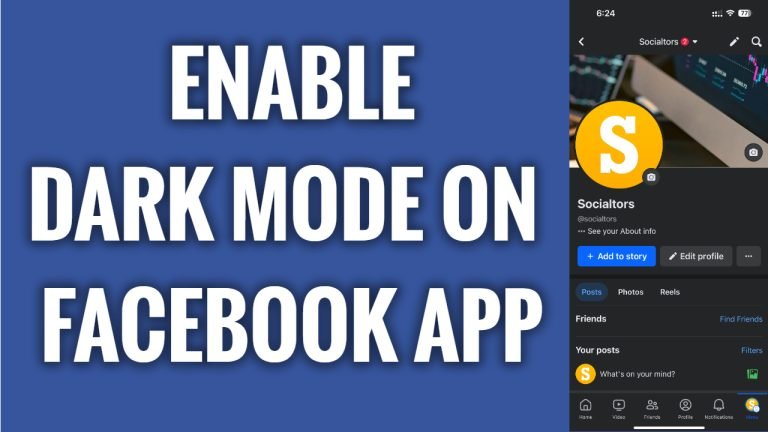
In this article I will show you how to enable dark mode on Facebook App.
Facebook dark mode is a great feature to use because it allows you to use Facebook app at the night-time, saves battery life & reduces eye-strain.
Just follow these steps:
- Open Facebook app and login to your Facebook account.
- Tap on the “Menu” at the bottom right.
- Now tap on the “Gear” icon at the top right.
- Scroll down and go to “Dark mode”.
- Tap on “On” and dark mode will be enabled on your Facebook app. That’s it, you have successfully enabled dark mode on Facebook app.
I hope this guide was helpful and you were able to enable dark mode on Facebook app.
Want to grow your Facebook profile? Get more Facebook followers!
