Want to grow your Facebook profile? Get more Facebook followers!
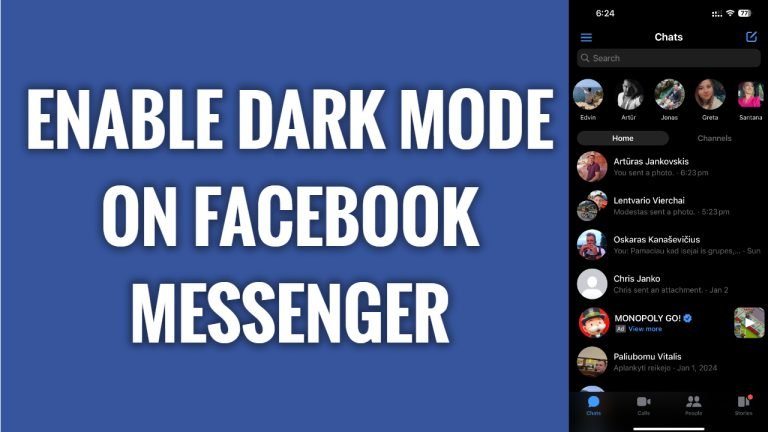
In this article I will show you how to enable dark mode on Facebook Messenger.
Did you know that you can enable dark mode on Facebook Messenger app to reduce the eye-strain if you are using Messenger in the night-time?
Just follow these steps:
- Open up Facebook Messenger app on your phone and login to your profile.
- Tap on the menu icon at the top left corner.
- Tap on the “Gear” icon at the top right.
- Go to “Dark mode” settings.
- Select “On”. That’s it, dark mode has been enabled.
I hope this guide was helpful and you were able to enable dark mode on Facebook Messenger.
Want to grow your Facebook profile? Get more Facebook followers!
