Want to grow your Instagram profile? Get more Instagram followers!
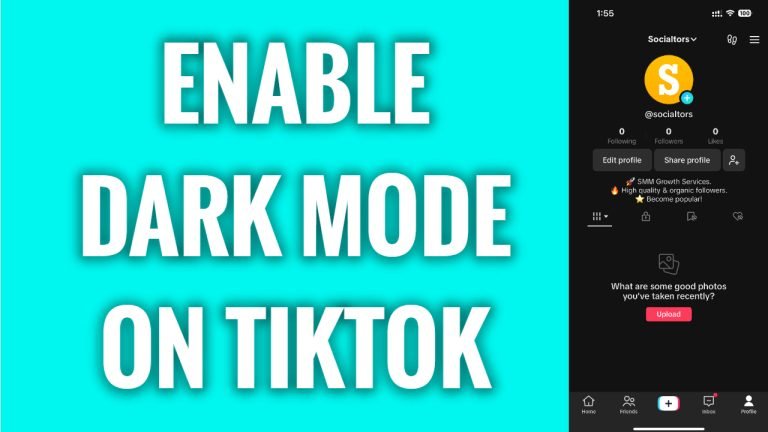
In this article I will show you how to enable dark mode on TikTok.
Do you use TikTok at night-time? Then it is recommended to use TikTok dark mode to protect your eyes from the eyestrain.
Follow these steps:
- Open TikTok app and login to your TikTok profile.
- Tap on the “Menu” icon at the top right corner of your screen.
- Now proceed to “Settings and privacy”.
- Scroll down and go to “Display” section.
- Now select “Dark” and your TikTok app will be switched to the dark mode.
That’s it for this video.
I hope this guide was helpful and you were able to turn on dark mode on TikTok.
Want to grow your Instagram profile? Get more Instagram followers!
