Want to grow your Instagram profile? Get more Instagram followers!
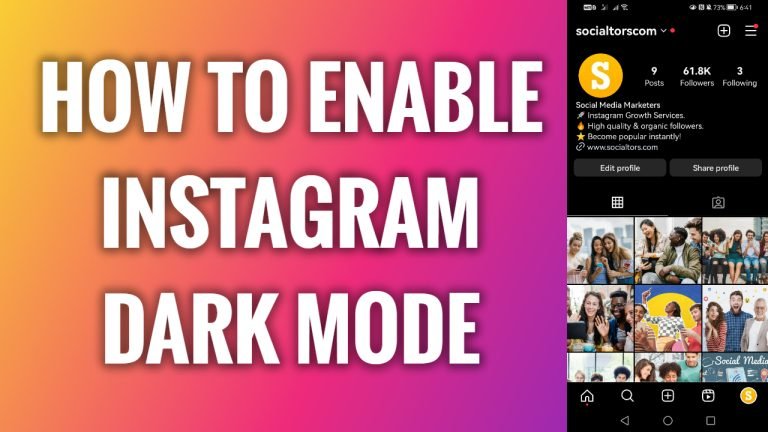
Do you want to use Instagram at night? It’s most convenient to do it with the dark mode being on as it reduces the strain on your eyes because of the blue light.
- Open up Instagram app on your phone.
- Tap on the menu icon at the top right corner of your screen.
- Click on “Settings and privacy”.
- Scroll down and tap on “Accessibility”.
- Proceed to “Dark mode”.
- Select “On” and your Instagram app will be switched to dark mode.
I hope this guide was helpful and you were able to enable Instagram dark mode on your Android device.
Want to grow your Instagram profile? Get more Instagram followers!
